
01
Cloud of Words
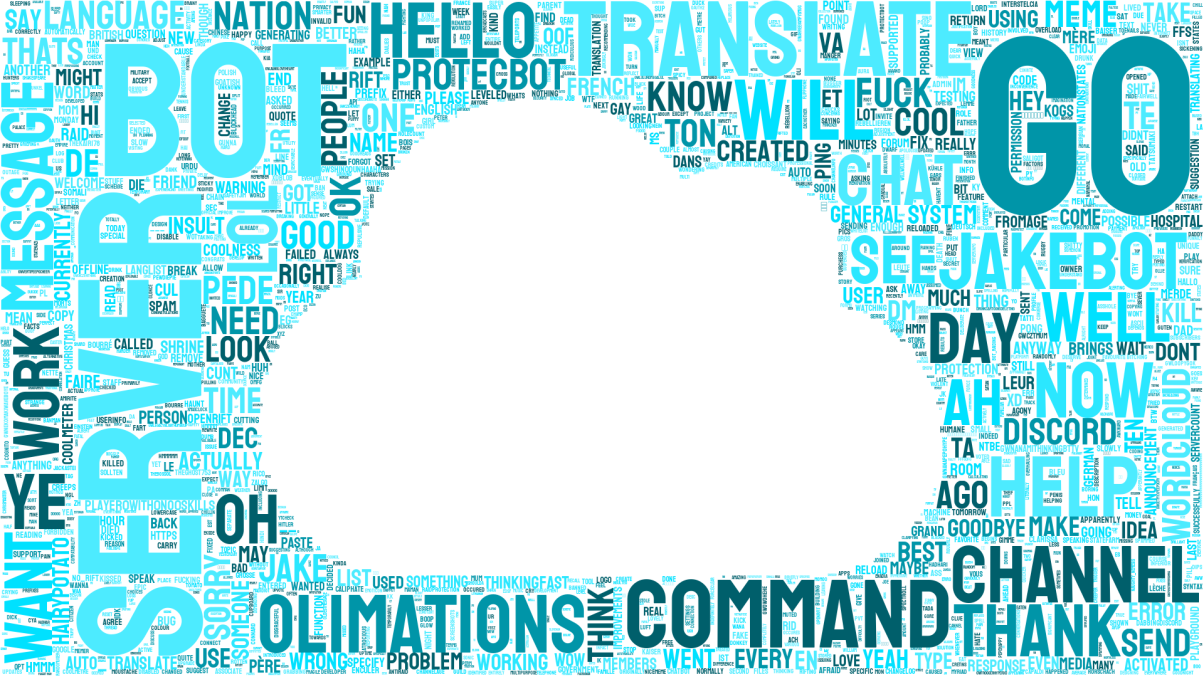
Bright and airy.
See the words your community comes back to. Jake turns recent Discord messages into a colourful wordcloud, made right where your conversations happen.
Pick a preset for this cloud, or set a favourite as your server's default.
Bright and airy.

A striking monochrome skull.

A bold look with a little extra heat.
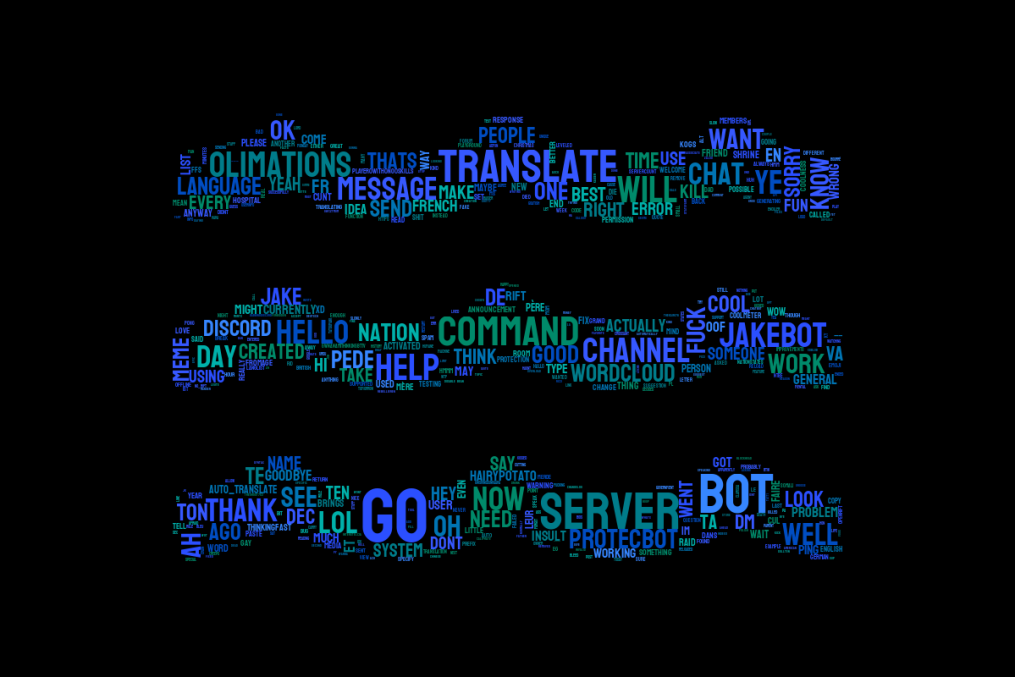
A cool, calm current for your chat.
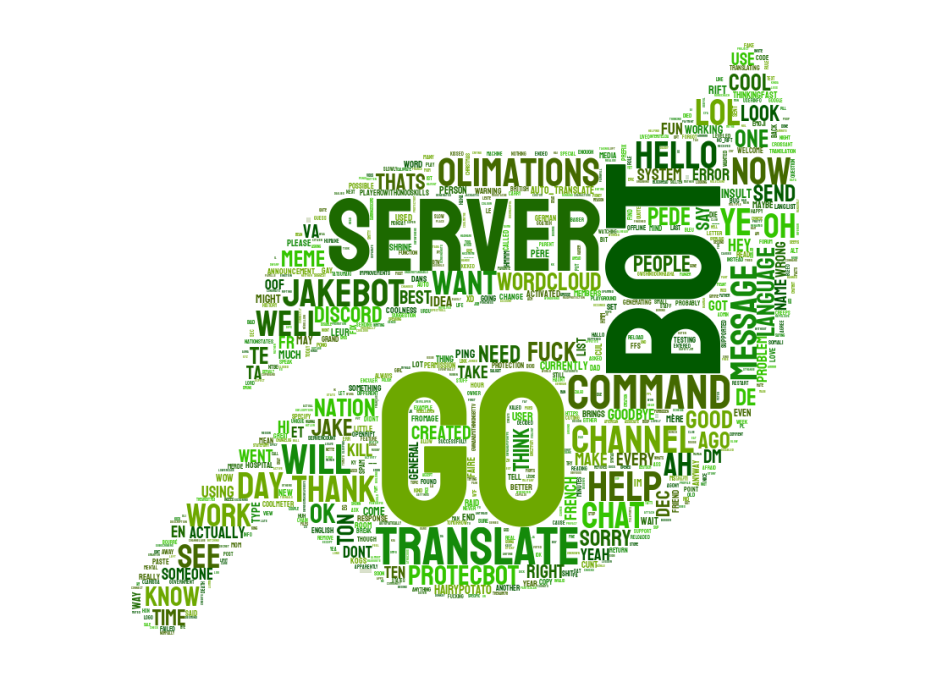
A fresh, leafy take on your favourite words.
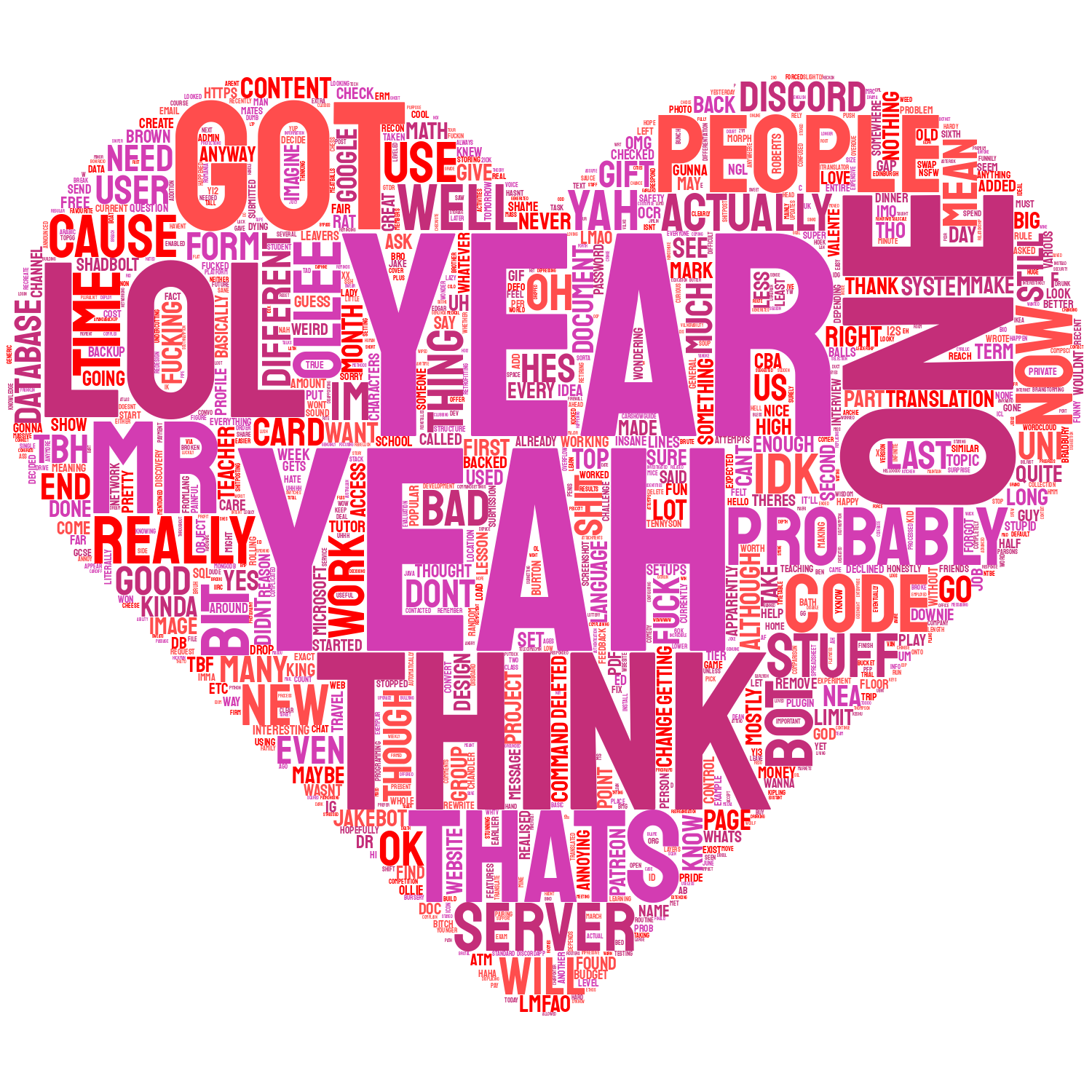
A colourful heart.
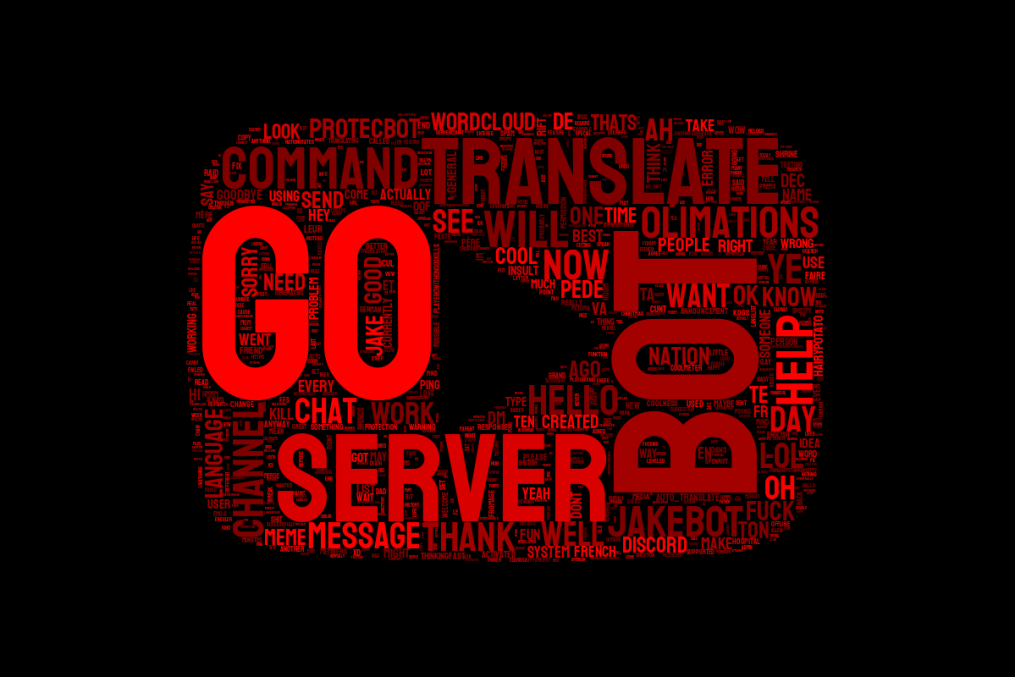
A familiar play button in red.

A cloud for your Discord community.
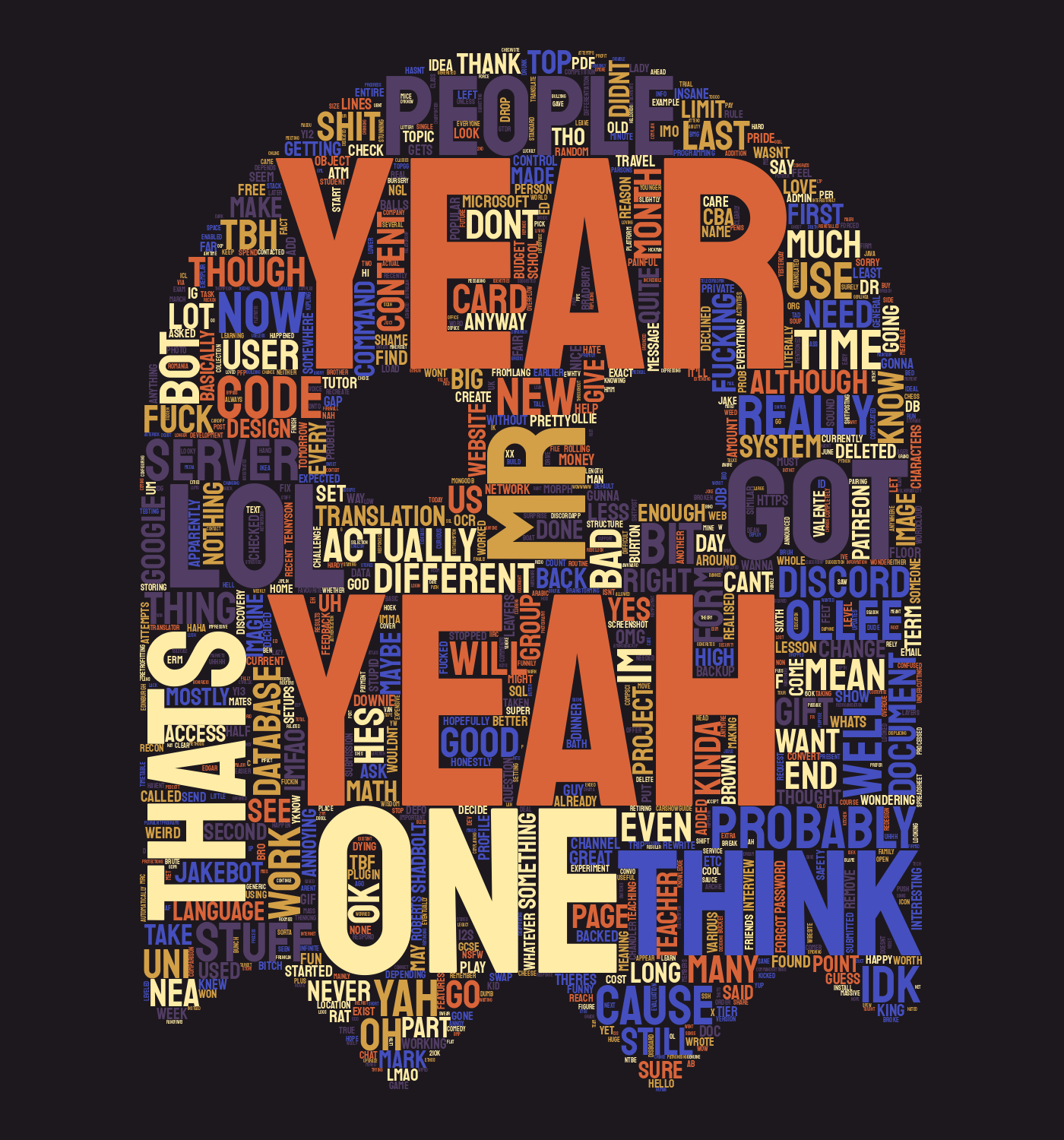
A spooky seasonal palette.
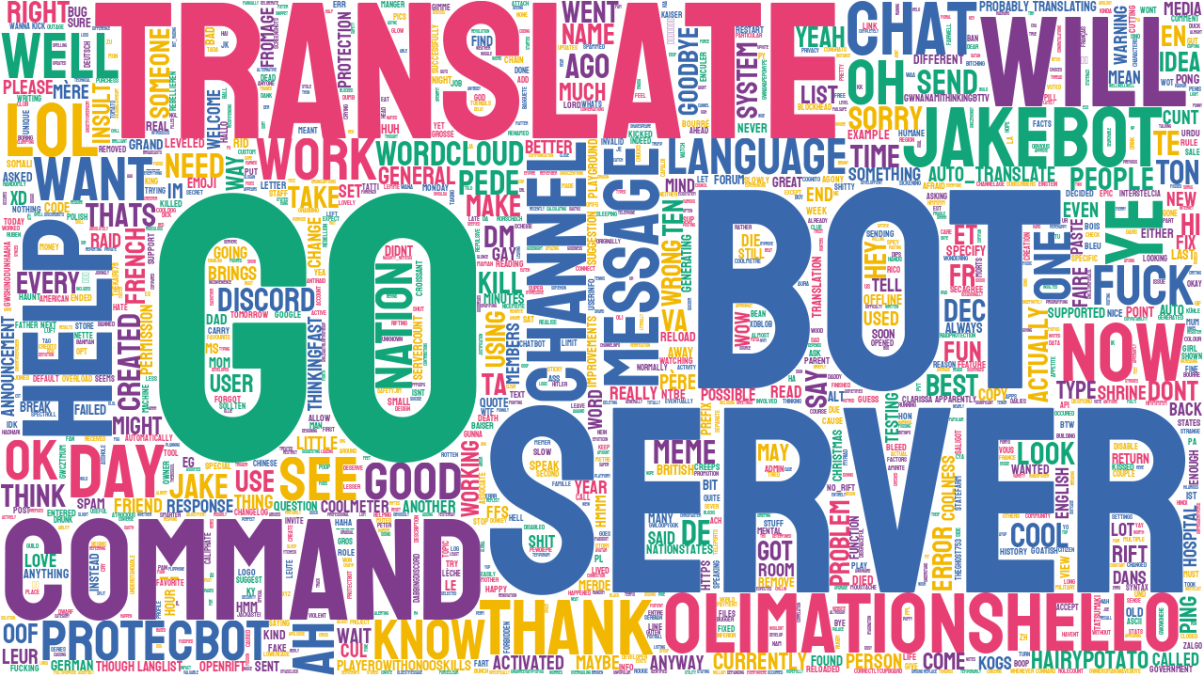
A colourful cloud without a shape.

A festive tree.
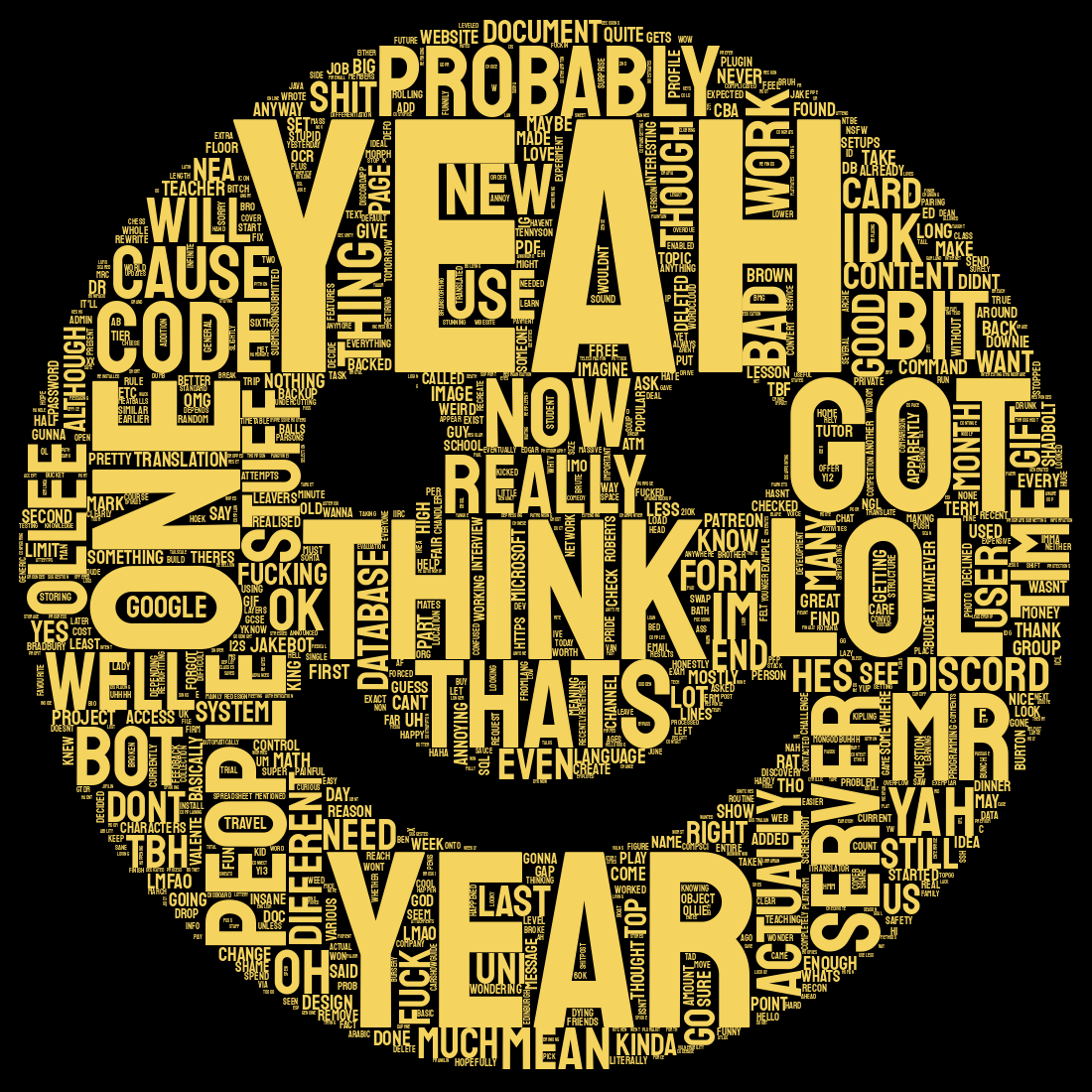
A bright smile for your chat.
Can't decide? Choose the random preset to pick a different style each time. See how to choose one
No extra tools or exports. Your wordcloud comes back as an image in Discord.
Add Jake to your server and allow it to view message history in the channels you want to use.
Run /wordcloud and choose a channel, a member, or a server-wide collection.
Select a preset for this cloud, or use your server's saved style. Jake posts the finished image in Discord.
Your view sets the boundaries. A server-wide cloud only includes text channels that both you and Jake can view and that Jake can read message history from.
Yes. The /wordcloud command lets you select a channel and optionally a member. You can also choose a server-wide collection from the command options.
Jake's wordcloud settings let you choose a preset, manage a word and phrase blacklist, and toggle whether links and mentions are collected.
Jake needs permission to view the channel and read its message history. A server-wide cloud only checks channels both you and Jake can access.
Your chat has a look
Invite Jake and make your first wordcloud in Discord.
Add Jake to Discord